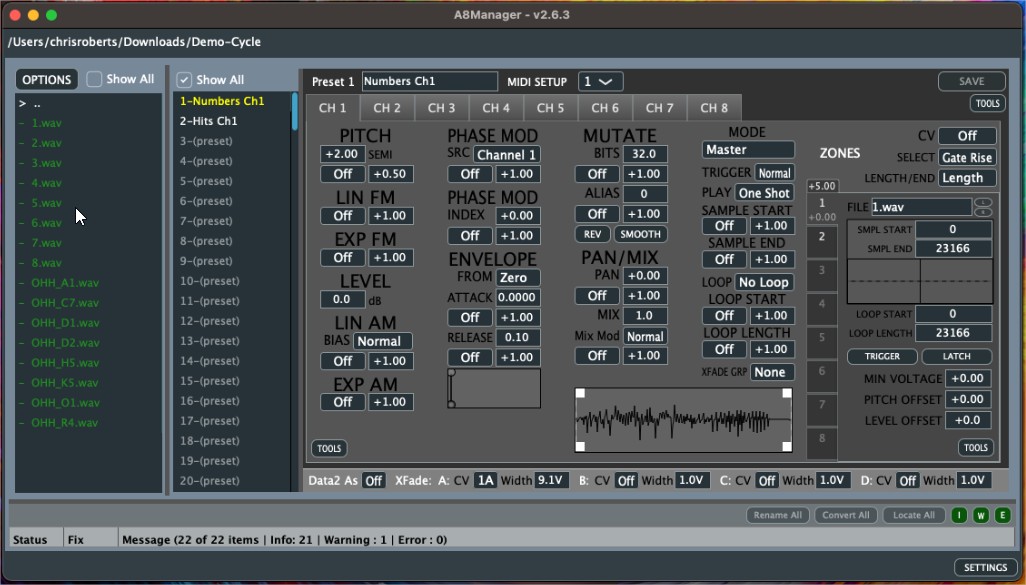
Install on macOS
A8Manager 2.6.3
For older Macs — runs on macOS 10.13 (High Sierra) and later. If your Mac runs macOS 11 (Big Sur) or later, we recommend the latest 2.7.1 build instead.
Since the application is not signed (I don't want to pay the $99/yr) you will need a manual step in the console to allow it to run.
- Download A8Manager_2_6_3_macos.zip — the app will be automatically extracted during download
- Use the following command to allow it to run:
xattr -d com.apple.quarantine ~/Downloads/A8Manager.app - You can now run it. You can move it to the Applications folder if you desire.
What's different from 2.7.1
- Includes all bug fixes and new features through 2.7.1, except the new UI and new waveform viewer
- Some of the 2.7/2.7.1 waveform features are included in the original waveform view: a playhead showing audition playback position; Ctrl/Cmd + drag moves a marker and its partner together (sample start/end or loop start/end); and a right-click menu with Zero Crossing Nudge, Match Opposite Boundary, Set Loop To Sample, Set Sample To Loop, and Set Marker Here for each marker
- Zooming, panning, the enlarged view, and color-coded markers are only in 2.7.1