Install on macOS
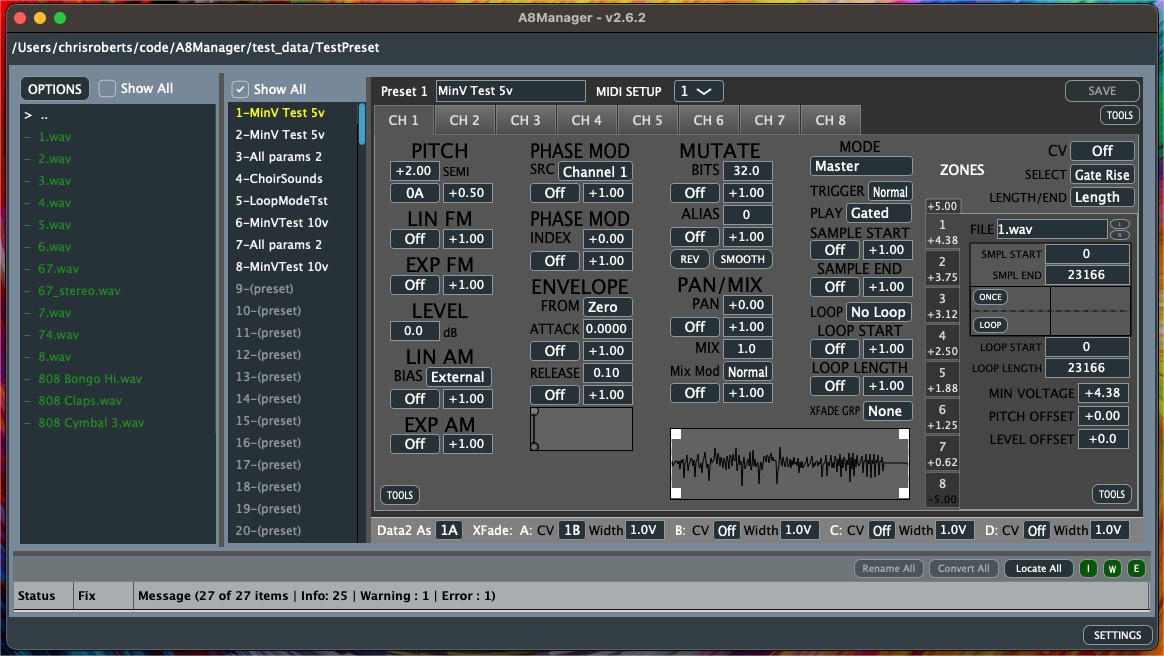
A8Manager for macOS
Since the application is not signed (I don't want to pay the $99/yr) you will need a manual step in the console to allow it to run.
- Download A8Manager_macos.zip — the app will be automatically extracted during download
- Use the following command to allow it to run:
xattr -d com.apple.quarantine ~/Downloads/A8Manager.app - You can now run it. You can move it to the Applications folder if you desire.