
Editor for Squid Salmple
SquidManager
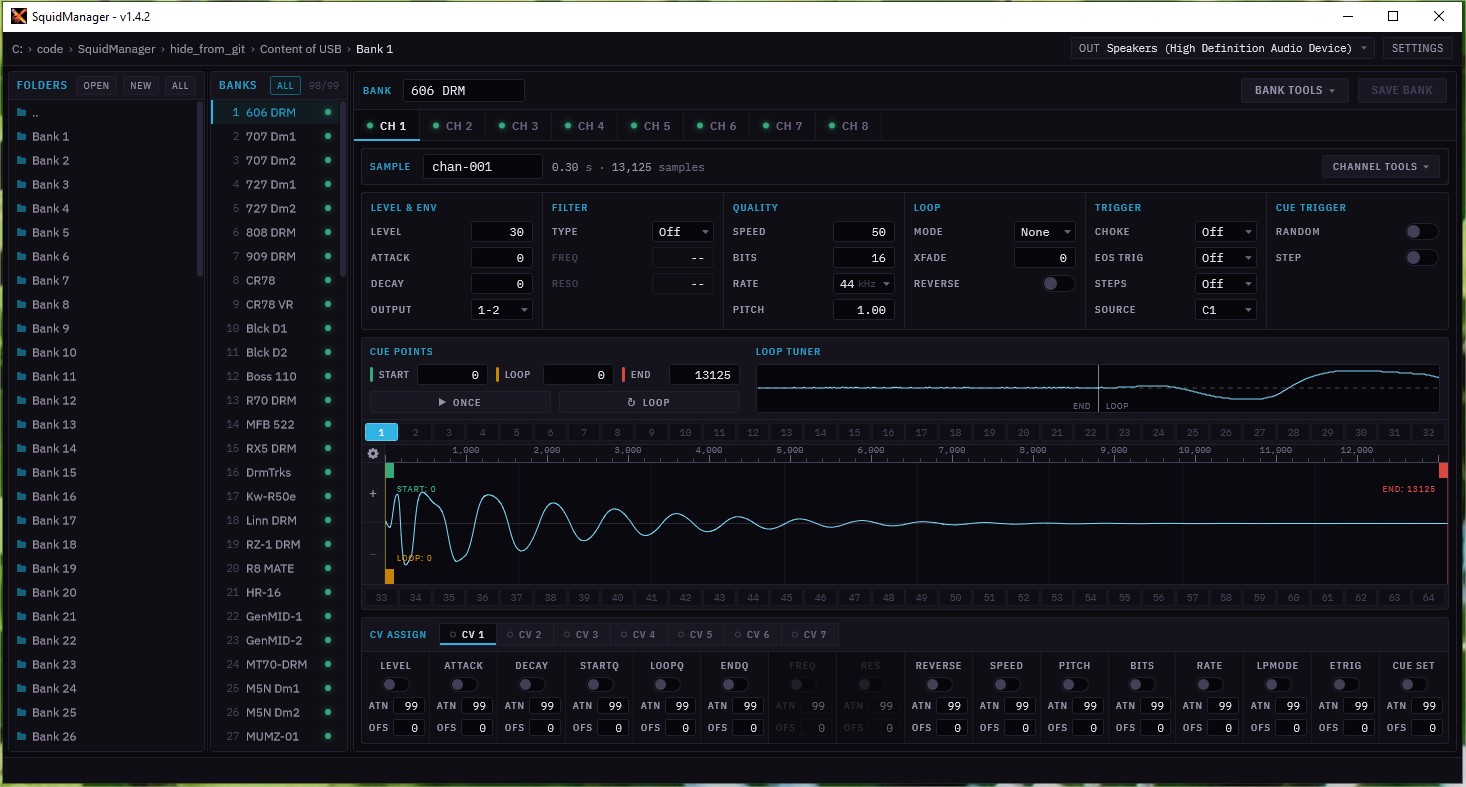
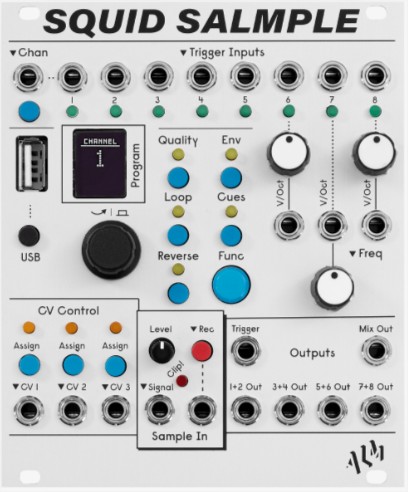
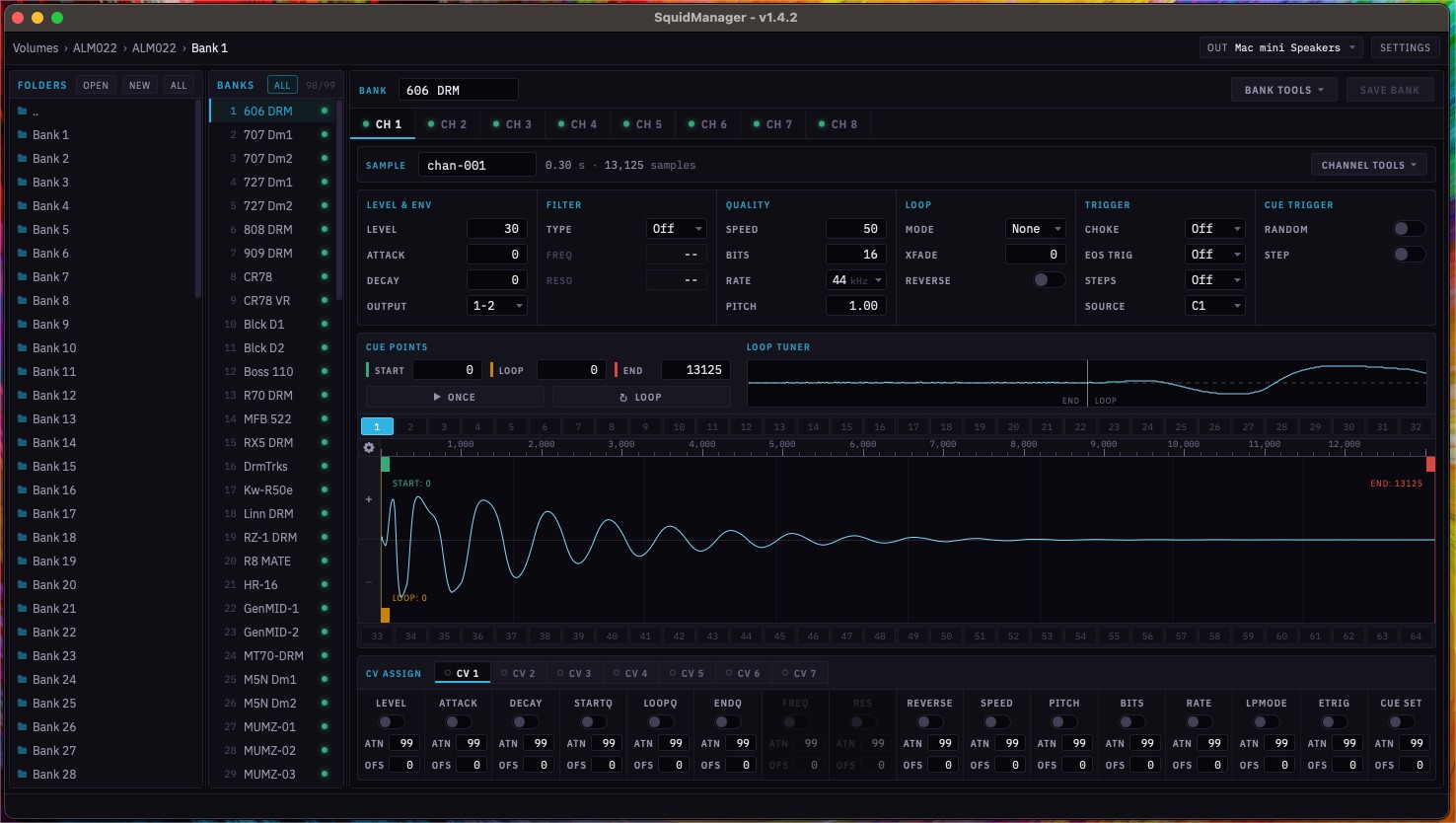
Bank editor for the ALM/Busy Circuits Squid Salmple — an 8 channel sampler for Eurorack.
What's inside
Bank editing from your USB drive
SquidManager is a Bank Editor for the ALM/Busy Circuits Squid Salmple, an 8 channel sampler for Eurorack.
- Open source and cross platform (Windows and macOS)
- Edit Banks from USB Drive
- Drag and drop samples
- Drag and drop multiple samples on Cue Sets to concatenate and set a Cue Set for each
- Audition raw samples to adjust loop points
- Clone Parameters from one channel to another
- Loop end points align view
- Full waveform view with loop point edit markers
Release history
- v1.4.2 — Fixed bug where some wav files were not being read correctly (JUCE framework bug)
- v1.4.1 — Added Arm build for macos. Fixed incorrect minimum macos version, now will run on macos 11 and up
- v1.4 — Complete facelift, quality of life improvements, and bug fixes.
- Complete redesign of the Look and Layout of the app
- Integration of a Dark to Light background slider in Settings
- Modifier Key + Drag to change values in numerical fields has smoother performance
- Audio Output Device can be set from the main screen (in upper right of window)
- Folders View has proper icons for Folders and Audio file
- Bank List view indicates if a bank has samples in it
- Channel tabs indicate if a sample assigned on that channel
- Sample Name better indicates if the Source is set to another channel with a (Cx) on the right of the edit field
- Loop Tuner can be dragged to change loop and end points
- Loop Tuner has pop-up menu to use Zero Crossing loop point adjustments
- Cue Points waveform has improved waveform display
- Cue Points waveform supports Zooming and Panning.
- Scroll wheel zooms horizontally. Modifier Key + Scroll wheel zooms vertically
- Right mouse wheel drag scrolls both horizontally and vertically
- Cue Points waveform now has a time line, which can be set to Samples or Time using pop-up
- Cue Points waveform has menu to reset vertical zoom and fit to view
- Cue Points Start/Loop/End markers are color coded, have text indicating which they are, and display the current value
- CV Assign sections now have a tabbed view
- CV Assign sections indicate if any are enabled
- v1.3 — Updates for latest firmware and a bug fix
- Updated to support new Pitch Shift parameter in the latest firmware
- Fixed serious bug introduced in v1.2, where a value from a parameter text edit field would not actually update if you clicked away from that parameter
- v1.2 — New features, improvements, and a bug fix
- Auto convert audio files that are not wav files (Drag and drop and File Chooser)
- Allow multifile drop to assign samples to multiple channels
- Added folder name to top of Popup Menus in File View
- Add Zero Crossing cue point align
- Add Chop (2-16 cue sets) to TOOLS menu
- Add 'zero' line into loop tuner
- Text is selected in a field when the field is first selected
- Add mousewheel support for scrolling numerical text editors and comboboxes
- Improved look of select Next/Previous CV Assign section arrow buttons
- Fixed Bank Tool tip when not showing all Banks
- Fixed bug with Bank List Component position jumping when using PopupMenu
- Fixed bug where right-click in Bank List would also select the row
- Fixed resize issue when adjusting the height below a certain point
- v1.1 — New features, improvements, and a bug fix
- Save Button highlighted as soon as Bank Name is edited
- Copy/Paste/Delete Banks from the Bank List
- Clear Channel from the TOOLS menu
- Improved user feedback for drag and drop operations
- Drag and drop appending concatenation and set a Cue Set for each
- Fixed bug with importing Markers as Cue Sets